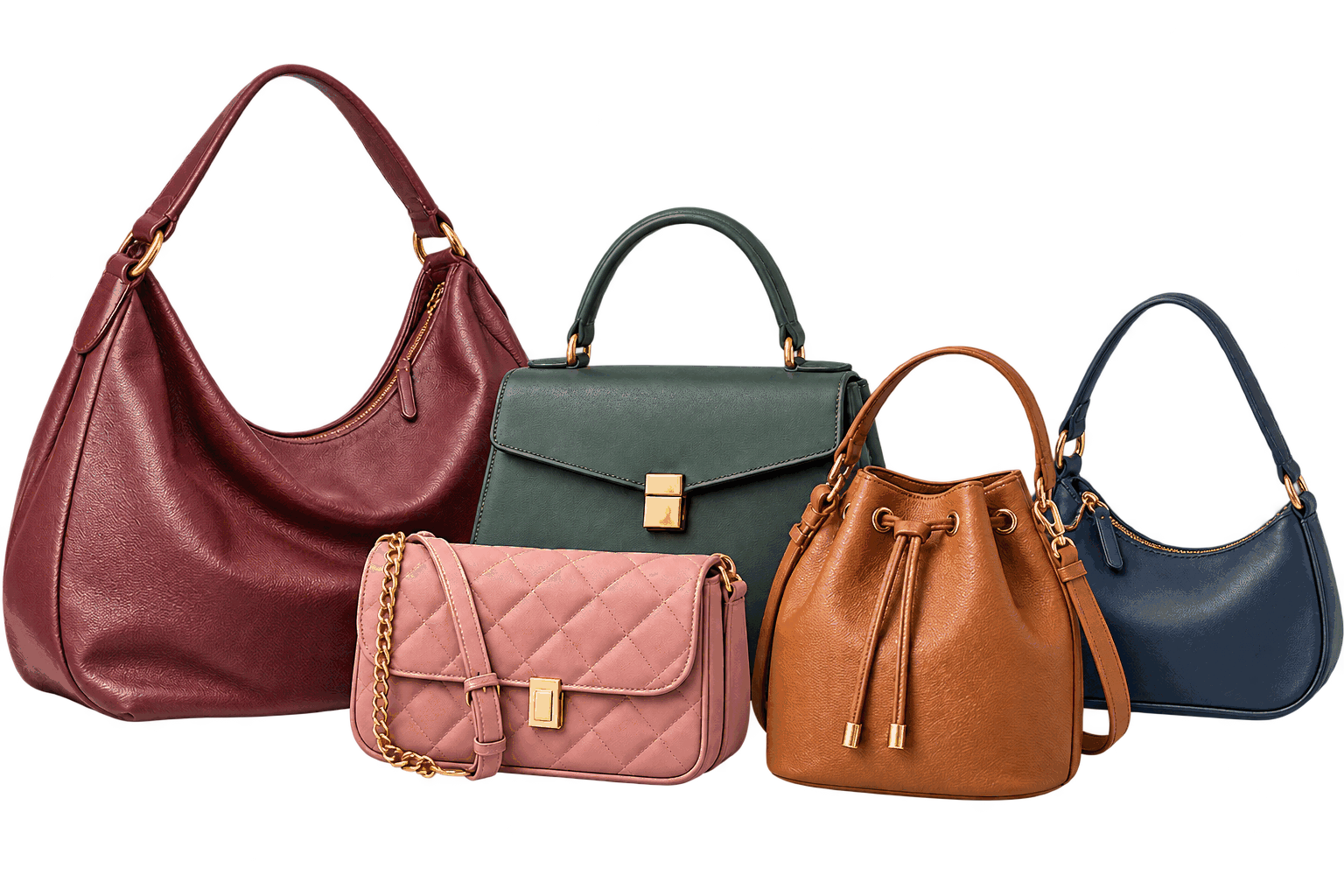
Track Every Stage
Wishlist, Orders,
Closet, Archive
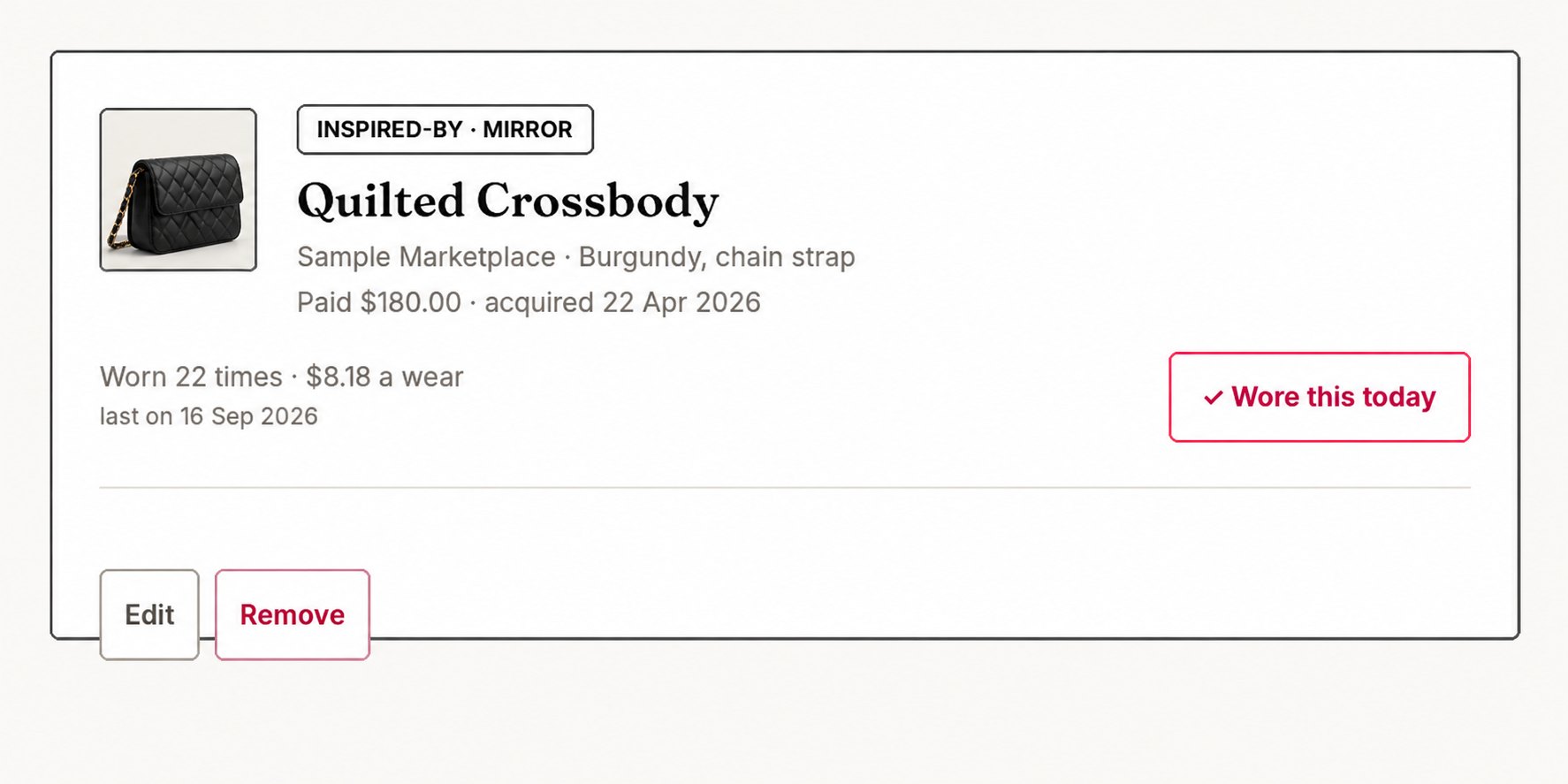
Track what you want, what you’ve ordered, what you own, and what you’ve let go — with receipts, certificates, wear history, notes, and values kept with each bag.
No account required. Your collection is stored locally in your browser.
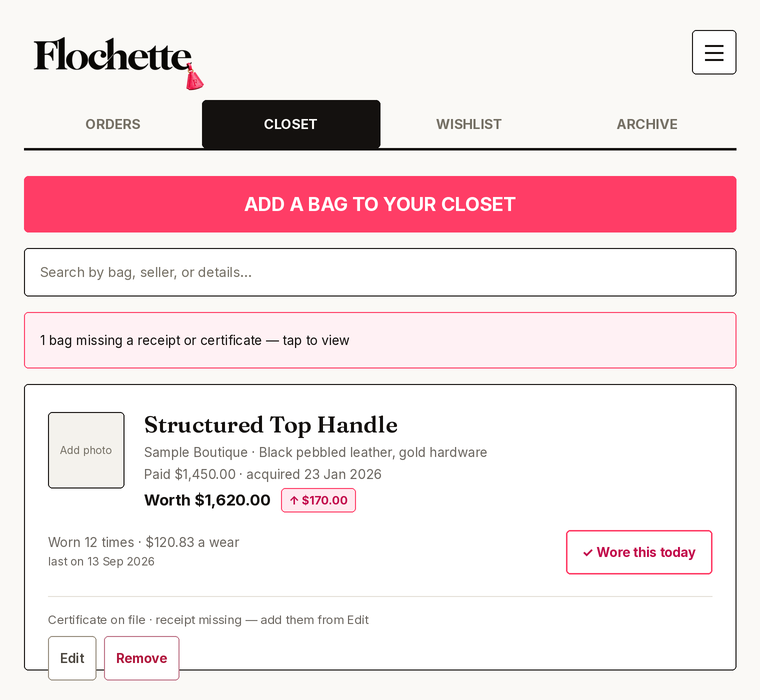
Wishlist, Orders,
Closet, Archive
Receipts, certificates,
wear history, notes
Values, insights,
cost per wear
Bring in your
spreadsheet
Stored locally in
your browser
Each bag stays in one record as it moves through your collection — from wishlist to orders, to your closet, and eventually to archive if you decide to let it go. Keep everything together, including photos, receipts, certificates, wear history, and notes.
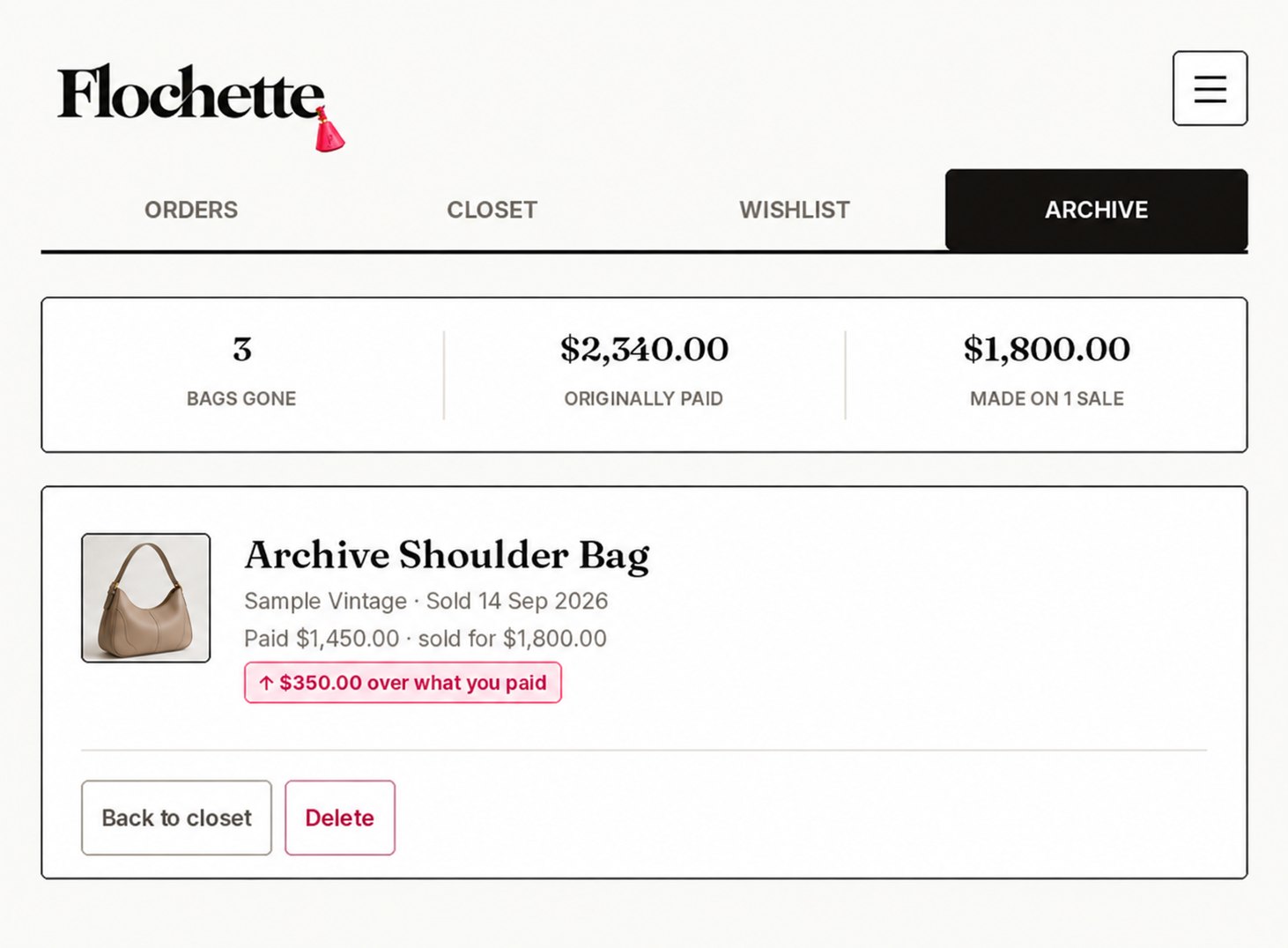
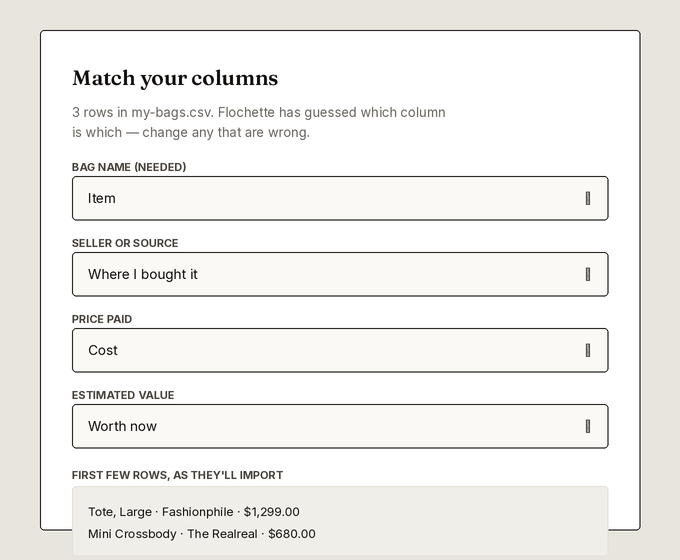
Already have a spreadsheet? Import your collection, map your columns, review the rows, and start with your data already organized.

Full-featured AI version
Simplified HTML version
The practical stuff
What to know about privacy, backups, devices, and choosing the right version.
Your collection is stored locally in the browser and device you use for Flochette. You do not need to create an account.
Your collection does not automatically sync between devices. To move it, download a backup from your current device and import it on the other one.
Private windows may erase locally stored information when you close them. Use a regular browser window so your collection remains available.
Clearing browser data may remove your locally stored collection. Download backups periodically and keep them somewhere safe.
Flochette + Flossy includes AI-assisted bag identification, value lookups, market ballparks, and outfit suggestions. Flochette Lite keeps things simple with manual entry and spreadsheet imports.
In Flochette Lite, your collection stays in your browser. In Flochette + Flossy, photos or details are sent only when you choose to use an AI feature.
Yes. You can import your spreadsheet, match its columns to Flochette, review the information, and bring your existing collection in.